Upload your floor plan
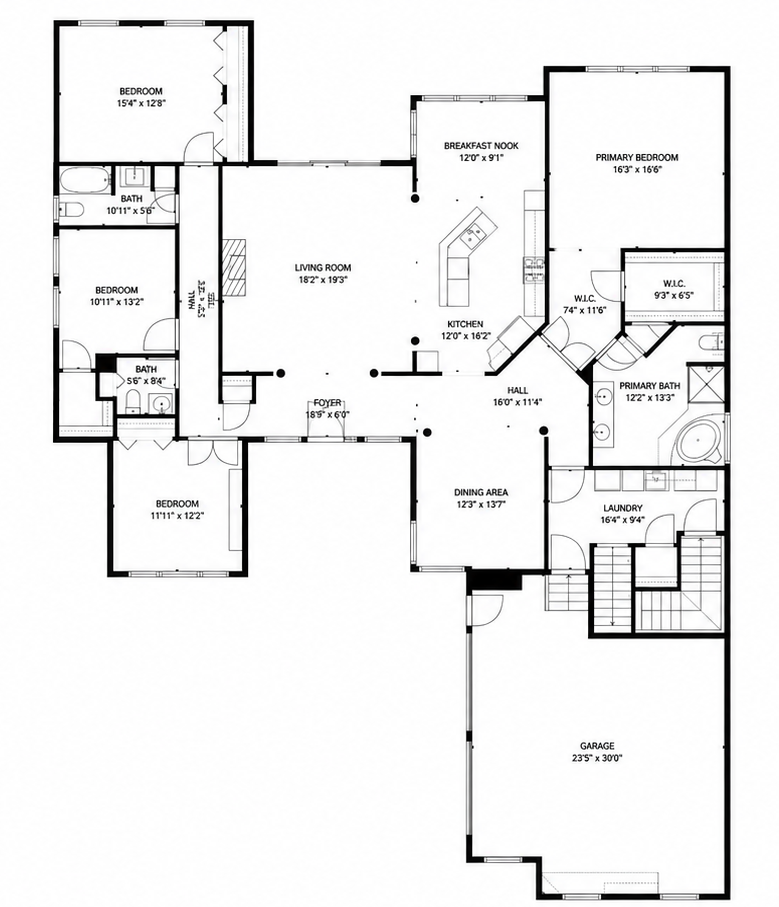
Add one floor or the entire property. Properties with multiple levels can be explored floor by floor.
INTERACTIVE PROPERTY TOURS
Turn your floor plan and property photos into an interactive property tour that helps people understand the space before they ever step inside.
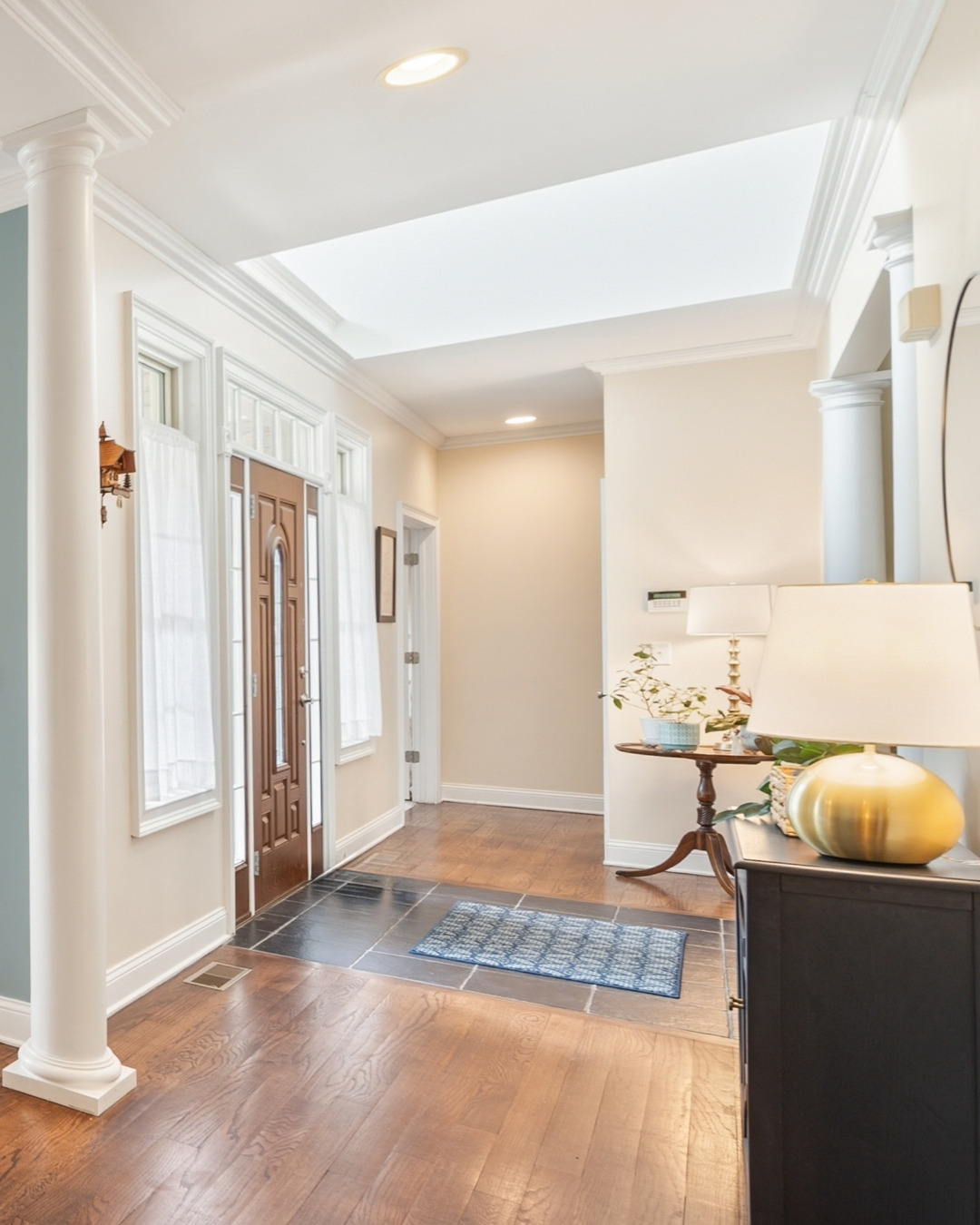 FOYER
FOYER
INTERACTIVE PROPERTY TOURS
Photos are great at showing what a space looks like. What they don't always show is how those spaces connect.
Nemi pairs the floor plan you already have with the photos you already took. Each photo is placed at the point where it was taken and shows the direction the camera was facing.
Viewers can move through the floor plan, select a viewpoint, and see the property from that exact position.
HOW IT WORKS
You already have the pieces. Nemi brings them together so viewers can understand where each photo was taken and how the property flows.
Add one floor or the entire property. Properties with multiple levels can be explored floor by floor.

Use the same photos you already have. No special camera, 3D photography, 360° images, or additional photo shoot is required.
Mark where each photo was taken and point the viewpoint in the direction the camera was facing.
Give viewers an interactive way to understand the property's layout and explore it directly from the floor plan.
SEE IT IN ACTION
Interactive plans are designed to live alongside the rest of the property presentation — giving viewers another way to understand the space rather than replacing the photos they already expect.
Explore a live example to see how floor plans, viewpoints and photography work together in the finished experience.
REQUEST A DEMO
See how Nemi can turn the materials you already have into an interactive way to explore and understand a property.
Request a Demo